
Solution
Technology Modernisation & System Integration
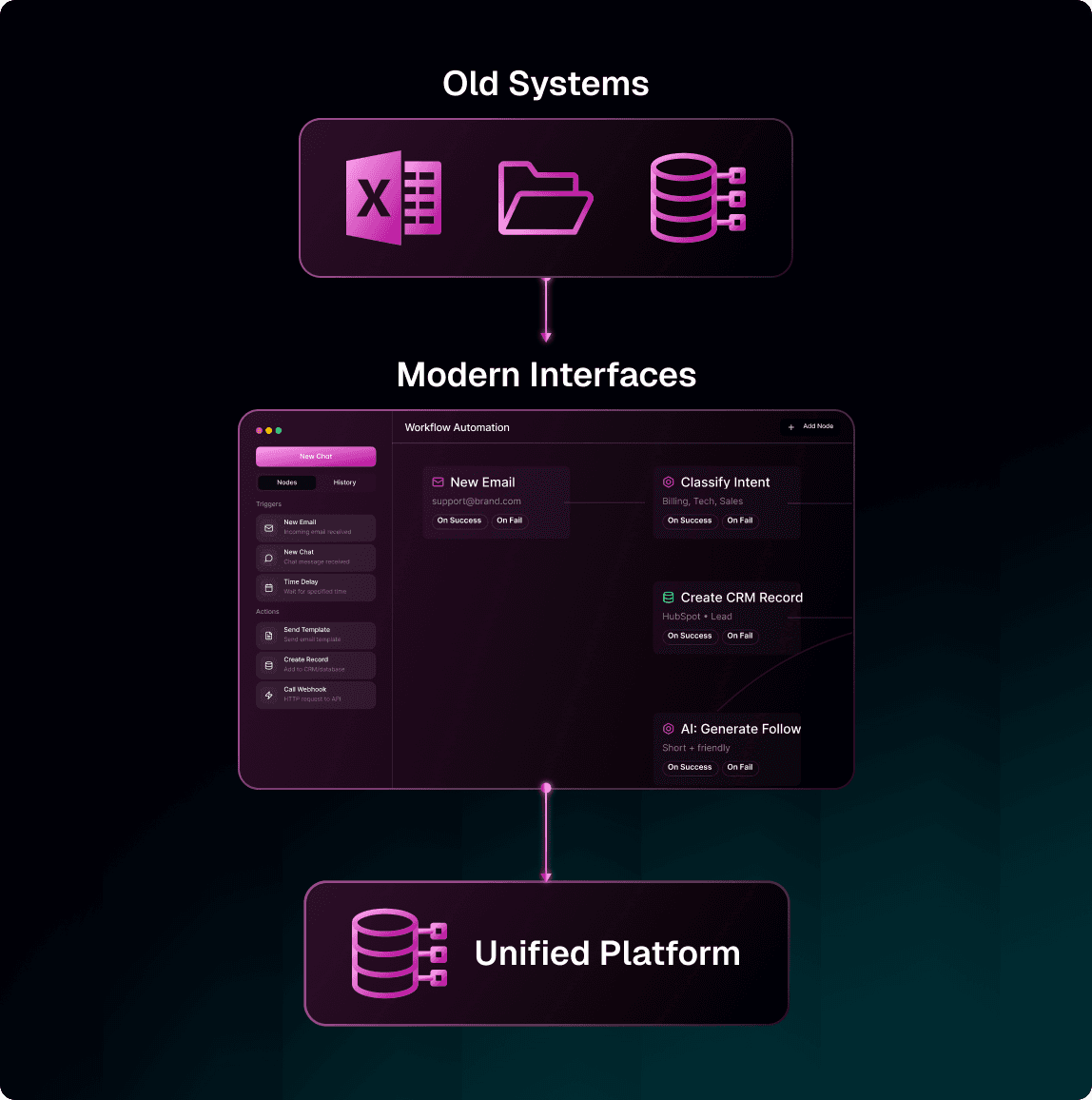
Most businesses run on a mix of modern tools and older systems that have been in place for years. They work fine individually — but they don’t connect. Your team ends up copying data between screens, building spreadsheets to bridge gaps, and working around limitations that shouldn’t exist.
Solution
Technology Modernisation & System Integration
Most businesses run on a mix of modern tools and older systems that have been in place for years. They work fine individually — but they don’t connect. Your team ends up copying data between screens, building spreadsheets to bridge gaps, and working around limitations that shouldn’t exist.
WHAT THIS SOLVES
Why Workflow Orchestration
Legacy Systems Holding You Back
Your 15-year-old database still works but it has no mobile access, no modern interface, and no way to connect with newer tools. We give old systems a modern front end without replacing the engine underneath.
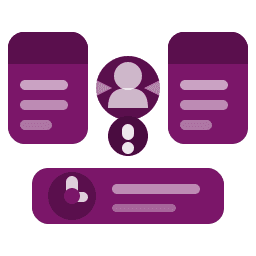
Manual Data Transfer Between Systems
Your team switches between screens to copy data from one system to another. It’s slow, error-prone, and costs hours every week that nobody tracks.
Manual Data Transfer Between Systems
Your team switches between screens to copy data from one system to another. It’s slow, error-prone, and costs hours every week that nobody tracks.
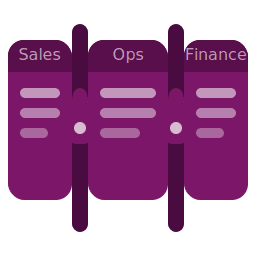
Data Locked in Departmental Silos
Sales can’t see what Operations is doing. Finance works from a different version of the truth. When systems aren’t connected, every department builds its own workaround.
Data Locked in Departmental Silos
Sales can’t see what Operations is doing. Finance works from a different version of the truth. When systems aren’t connected, every department builds its own workaround.

Reporting That Requires Manual Assembly
When data lives in separate systems, reporting means someone manually pulling spreadsheets together every week. Connected systems generate unified reports automatically.
Reporting That Requires Manual Assembly
When data lives in separate systems, reporting means someone manually pulling spreadsheets together every week. Connected systems generate unified reports automatically.
Capabilities
Connect Everything. Replace Nothing.
Core capabilities that bridge your systems without disrupting what already works.
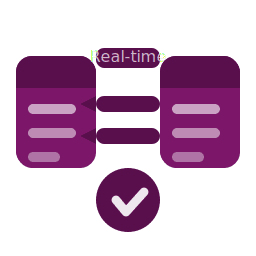
Bi-Directional Data Sync
Keep data consistent across systems automatically. When a record updates in one platform, it reflects everywhere — no manual re-entry.
Bi-Directional Data Sync
Keep data consistent across systems automatically. When a record updates in one platform, it reflects everywhere — no manual re-entry.
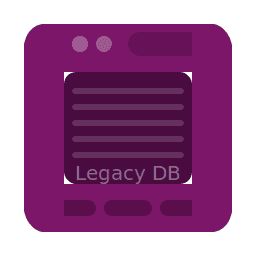
Legacy System Wrappers
Modern web and mobile interfaces built on top of your existing databases. Your team gets a current experience without replacing the system underneath.
Legacy System Wrappers
Modern web and mobile interfaces built on top of your existing databases. Your team gets a current experience without replacing the system underneath.
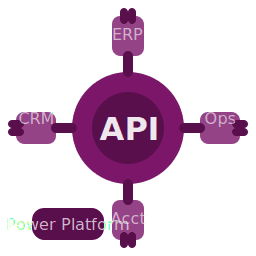
API Connectors
Pre-built and custom connectors that link your ERP, CRM, accounting, and operational tools through Microsoft Power Platform.
API Connectors
Pre-built and custom connectors that link your ERP, CRM, accounting, and operational tools through Microsoft Power Platform.
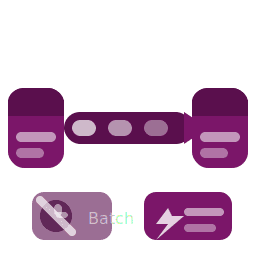
Real-Time Data Flow
Eliminate batch processing and overnight syncs. Data moves between systems the moment it changes.
Real-Time Data Flow
Eliminate batch processing and overnight syncs. Data moves between systems the moment it changes.
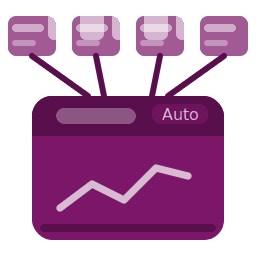
Unified Reporting
Pull data from multiple disconnected sources into a single dashboard. No more spreadsheet consolidation every Monday morning.
Unified Reporting
Pull data from multiple disconnected sources into a single dashboard. No more spreadsheet consolidation every Monday morning.
RPA for Legacy Systems
For older software without APIs, we use robotic process automation to read, write, and transfer data — bridging the gap without modifying your core systems.
RPA for Legacy Systems
For older software without APIs, we use robotic process automation to read, write, and transfer data — bridging the gap without modifying your core systems.
our Process
We Understand Your Challenges
Connect Systems. Eliminate Manual Bridges.
We map the disconnections between your existing platforms, build secure integrations on Microsoft Power Platform, and deliver a unified data flow your team can rely on.

01
Discovery Call
We listen to your operational challenges, identify where the biggest friction sits, and assess whether there’s a fit. No pitch deck — just an honest conversation.
01
Discovery Call
We listen to your operational challenges, identify where the biggest friction sits, and assess whether there’s a fit. No pitch deck — just an honest conversation.
02
Process Review & Scoping
We map the specific workflows causing the most pain, define what automation looks like, and deliver a fixed-price scope with clear deliverables and timeline.
02
Process Review & Scoping
We map the specific workflows causing the most pain, define what automation looks like, and deliver a fixed-price scope with clear deliverables and timeline.
03
Proof of Concept
Before committing to a full engagement, you see a working prototype built on your actual process. You evaluate it, give feedback, and decide whether to proceed.
03
Proof of Concept
Before committing to a full engagement, you see a working prototype built on your actual process. You evaluate it, give feedback, and decide whether to proceed.
04
Build & Deliver
We build the full solution, train your team, and hand over documentation. Your team owns the result — no ongoing dependency on us to keep it running.
04
Build & Deliver
We build the full solution, train your team, and hand over documentation. Your team owns the result — no ongoing dependency on us to keep it running.
05
Training & Ongoing Maintenance
We provide training for your super users, and keep maintaining and extending your solution.
05
Training & Ongoing Maintenance
We provide training for your super users, and keep maintaining and extending your solution.
Technology
Built on Microsoft Power Platform
We leverage Microsoft's enterprise-grade platform for workflow automation. This means seamless integration with your existing Microsoft tools and a platform your team can maintain.
Native integration with Microsoft 365
Enterprise security and compliance
Low-code platform your team can evolve
Hundreds of pre-built connectors



FAQ
Frequently Asked Questions
Everything you need to know about working with us.
Still have questions? We're here to help.
How do you determine which systems should be integrated versus replaced?
Every engagement starts with an assessment of your current architecture, what each system does, how data moves between them, and where the manual gaps are. In most cases, legacy systems that are stable and embedded in daily operations are better served by an integration layer than a replacement. We recommend replacement only when a system creates more risk or cost to maintain than it would to migrate. The decision is driven by your operational reality, not a preference for new technology.
What happens if our legacy system doesn’t have an API?
How do you manage the risk of connecting production systems?
What does a typical integration project timeline look like?
How do you determine which systems should be integrated versus replaced?
Every engagement starts with an assessment of your current architecture, what each system does, how data moves between them, and where the manual gaps are. In most cases, legacy systems that are stable and embedded in daily operations are better served by an integration layer than a replacement. We recommend replacement only when a system creates more risk or cost to maintain than it would to migrate. The decision is driven by your operational reality, not a preference for new technology.
What happens if our legacy system doesn’t have an API?
How do you manage the risk of connecting production systems?
What does a typical integration project timeline look like?
How do you determine which systems should be integrated versus replaced?
Every engagement starts with an assessment of your current architecture, what each system does, how data moves between them, and where the manual gaps are. In most cases, legacy systems that are stable and embedded in daily operations are better served by an integration layer than a replacement. We recommend replacement only when a system creates more risk or cost to maintain than it would to migrate. The decision is driven by your operational reality, not a preference for new technology.
What happens if our legacy system doesn’t have an API?
How do you manage the risk of connecting production systems?
What does a typical integration project timeline look like?

Get Started
Ready to make AI work for your enterprise?
A 30-minute conversation is usually enough to know whether we are a fit. Or start with the maturity assessment, it tells you where you stand before starting.
Get Started
Ready to make AI work for your enterprise?
A 30-minute conversation is usually enough to know whether we are a fit. Or start with the maturity assessment, it tells you where you stand before starting.
Get Started
Ready to make AI work for your enterprise?
A 30-minute conversation is usually enough to know whether we are a fit. Or start with the maturity assessment, it tells you where you stand before starting.